How to Change Your Activision Name
A complete step-by-step guide to changing your Activision ID for Call of Duty: Warzone, MW3, Black Ops 6, and CoD Mobile.
Quick Facts
- ⏱️ Time required: Less than 2 minutes
- 💰 Cost: Free (once every 6 months)
- 🎮 Applies to: All Call of Duty games (Warzone, MW3, BO6, Mobile)
- 📏 Character limit: 2–16 characters
- 🌐 Where: profile.callofduty.com (browser only)
Step-by-Step Instructions
Go to the Activision website
Open your browser and navigate to profile.callofduty.com. This is the official Activision account management portal.
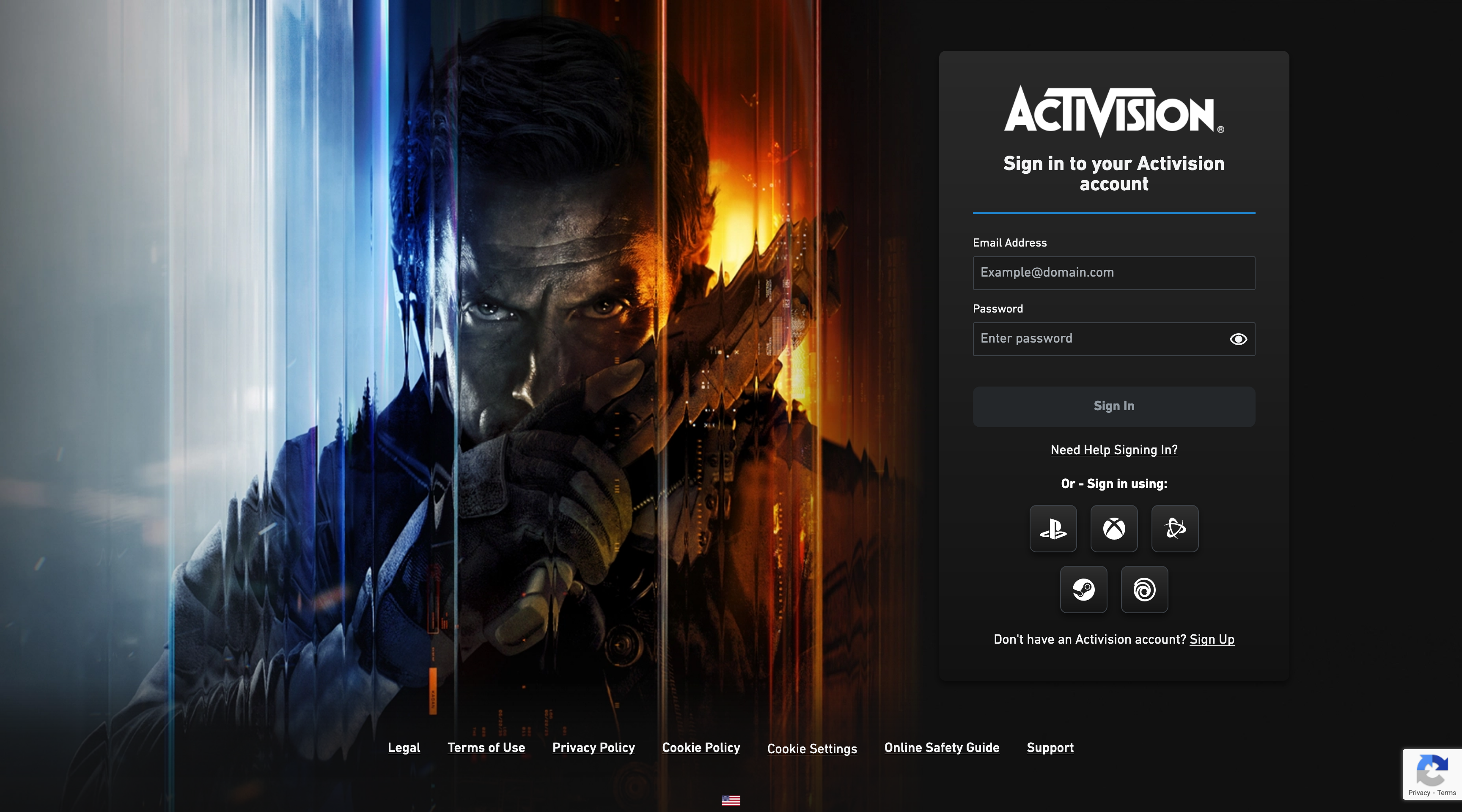
Sign in to your account
Log in using your Activision account credentials. You can also sign in through your linked PlayStation, Xbox, Steam, or Battle.net account.
Navigate to your profile
Once logged in, click on your profile icon or navigate to "Basic Info" in the account settings menu.
Click on your display name
Find your current Activision ID / display name and click the edit (pencil) icon next to it.
Enter your new name
Type your desired new username. The name must be between 2-16 characters and cannot contain offensive language. Try our nickname generator for unique ideas!
Confirm the change
Click "Confirm" to save your new Activision ID. Remember: you can only change your name once every 6 months for free, so choose wisely.
Official name-change guides
Ready to use your new name? Follow the publisher’s instructions for your game or account.
- Activision Support — change your Activision ID
See the “How do I change my Activision ID/Display Name?” section for account steps and name-change tokens.
Need a New Nickname?
Generate the perfect Call of Duty username before you make the change.
Will Changing My Name Affect My Account?
Friends List & Clans
No, you will not lose your friends list or clan membership. Your friends will automatically see your new name the next time you log in. However, they will need your new Activision ID (including the new # numbers) if they want to search for you again.
Stats, Unlocks & Purchases
No, your stats (K/D, wins), weapon camos, battle pass progress, and store purchases remain completely untouched. Your Activision ID is just a cosmetic label; all your data is tied securely to your underlying account ID.
Common Issues & Troubleshooting
"Tokens Remaining: 0"
You have no rename tokens left. You receive one token every 6 months (up to a maximum of 2 tokens). You must wait for the cooldown to expire before changing your name again.
Profanity Filter Error
Activision has a strict automated filter. Even if your name isn't offensive, it might flag character sequences that resemble banned words. Try a completely different name.
Name Reverted to "User12345"
If your name was manually reported and reviewed by an admin as offensive, they will forcibly change it to a generic User name and you may lose your tokens.
Website Won't Load
Try clearing your browser cache/cookies, opening an incognito window, or turning off any active VPNs. Sometimes the Activision portal experiences high traffic.
Tips for Choosing Your New Name
- Keep it short — names under 10 characters are easier to remember and look cleaner in the kill feed.
- Match your playstyle — military names for tactical players, funny names for casual vibes, sweaty names for competitive lobbies.
- Avoid trends — trendy names age quickly. Classic, timeless names last longer before you want to change again.
- Test the decorator — use the Nickname Decorator to add compatible symbols and brackets.
- Choose wisely — you only get one free change every 6 months!
Frequently Asked Questions
You can change your Activision ID once every 6 months for free. After that, you'll need to wait until the cooldown period expires. There's also one free token given when you first create your account.
Yes! Your Activision ID is shared across all Call of Duty titles — Warzone, Modern Warfare III, Black Ops 6, CoD Mobile, and any future releases. One name change applies everywhere.
Activision IDs can be between 2 and 16 characters. They can include letters, numbers, and some special characters. Spaces are not allowed.
Activision IDs support basic Latin characters, numbers, and limited special characters. For decorated names with Unicode symbols, check which characters are supported by trying our Nickname Decorator tool.
Activision IDs must be unique. If your desired name is taken, try adding numbers, changing spelling, or using our nickname generator to create a completely unique alternative.
You cannot change your Activision ID directly from your console. You must use the Activision website (profile.callofduty.com) through a web browser on any device.